We use cookies on this website. Cookies help us deliver the best experience on our website. Read about cookies.
-
- My Studies
- My Studies
-
- New student
- New student
- Malmö Smart Start Guide
-
- Book group rooms and find your way around Campus
- Codes of conduct
- Amphitrite
- Schedules
- Exams
- Registration, certificates & administration
- Withdrawal and leave from studies
- Applying for credit transfer
-
- Rights and responsibilities
- Your studies and AI
- Harassment and discrimination
- Scholarships for current students
On the page -
- Student Services
- Student Services
-
- Writing Centre and support
- Take-home exams and written assignments
- Maths workshop
- Student Health Services
- Study guidance
- Studying with a disability
- University Chaplaincy
On the page -
- Jobs and internships
-
- Innovation and entrepreneurship
- Leapfrogs
- Internships
- Career guidance
- Vertically integrated projects (VIP) programme
On the page
Schedules
schedule
Find your schedule and search for classrooms and auditoriums in Mazemap.
TimeEdit
Timetables for spring semester 2026 will be available in TimeEdit
In KronoX you can find older schedules, including those for autumn semester 2025. The spring semester schedule will be published in TimeEdit and will be available from 22 December if you have a Malmö University computer identity.
Find your schedule in KronoX
In KronoX, you will find previous schedules up to and including the autumn term of 2025. KronoX will be shut down on 19 January 2026.
Spring schedules in TimeEdit
Spring schedules are published four weeks before the start of term, 22 December. You must have a Malmö University computer identity to log in to TimeEdit.
Keep in mind
If you are having trouble finding the right schedule, try narrowing your search by adding the semester you started your studies. For example, if you started your studies in the autumn of 2025, add 25H. Or, if you started in the spring semester of 2025, type in 25V. In some cases you will need to search for the course code instead.
Add your schedule to your phone
You can download your schedule directly to your calendar on your computer or smartphone. Once you've found your schedule, click 'Get iCal file' and the schedule will download to your calendar.
Please be aware that changes in the schedule will not automatically be updated in your calendar. To ensure you have the correct schedule, make sure you update the iCal file regularly.
Find your way around with Mazemap
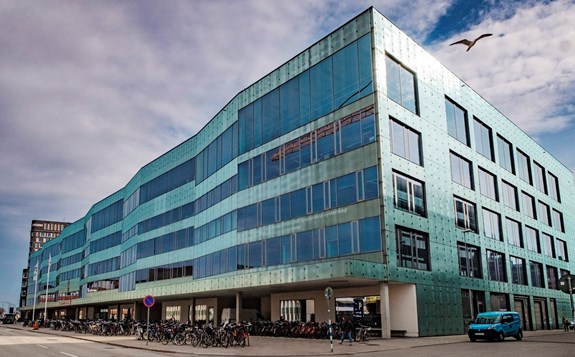
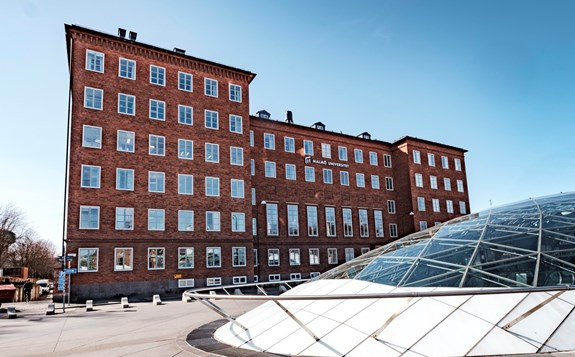
Malmö University's Campus comprises several buildings on Universitetsholmen and in the hospital area. Each building has a letter code and the rooms are numbered. Use Mazemap to find your way in each building. Mazemap also shows you where to find restrooms, kitchenettes and toilets.